Project
Emulation Station
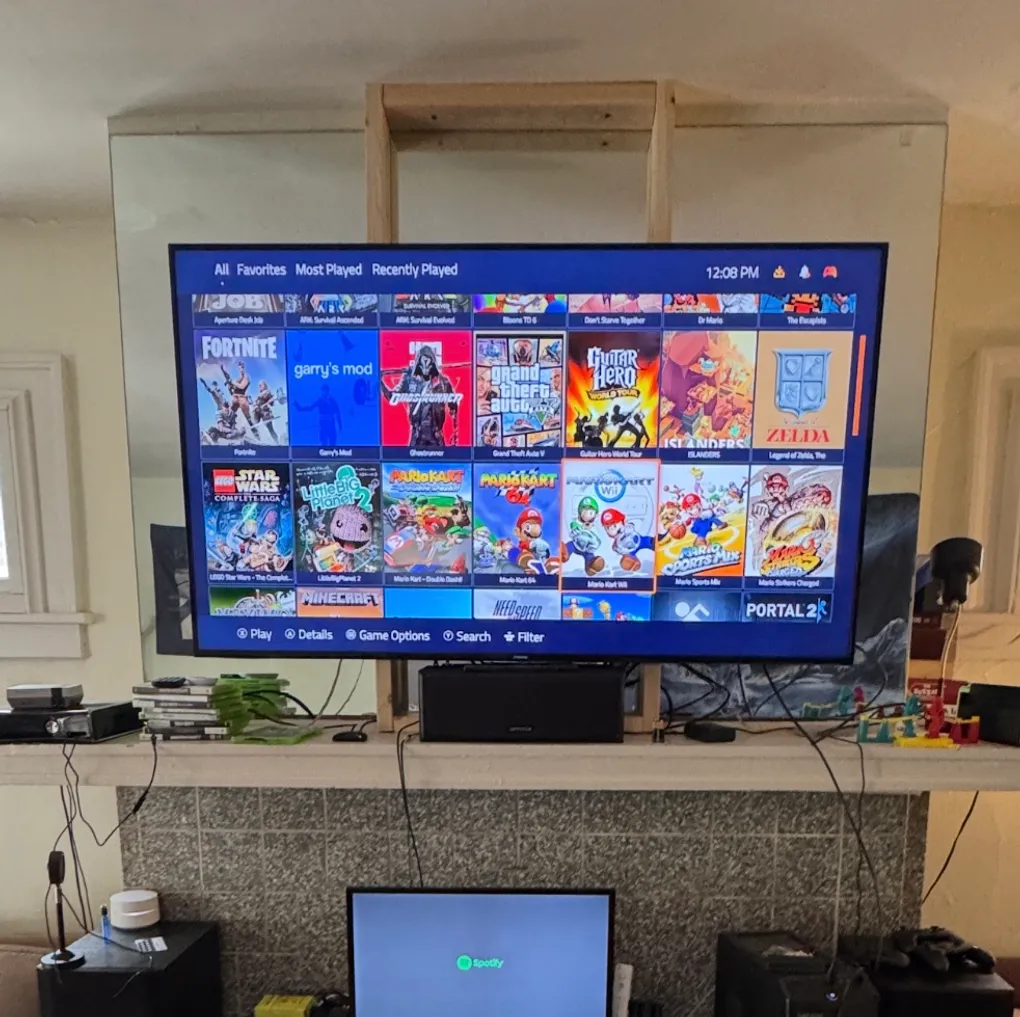
Most TV setups require an outlet and an HDMI port for each device connected. Since there’s a variety of games that are played on the couch for over a dozen consoles that can’t be plugged in all at once. Using a windows desktop computer to run these games instead allows for one device to play any game as well as use a variety of controllers that don’t natively connect to the designated console. Using emulation software such as dolphin for Wii+Gamecube and a controller selection interface such as PlayNite, you can get a console experience that works for virtually any game. The problems that arose when setting this up include configuring windows to sign in on boot, allowing for an escape from each emulator to the PlayNite screen through controller mappings, and starting PlayNite on boot. After that was set up any game was able to be played as if it was a console experience. PC controller supported games such as GTA V also work.
- PlayNite
- Dolphin
- PCSX2
- RetroArch
- RPCS3
- IdeaCentre 710-25ISH Lenovo Desktop Computer
- Xbox 360 controller usb adaptor
- USB powered Wii sensor bar